Start with the video, not a shopping bundle
Write down where you film, whether you speak and whether the camera or presenter moves. A seated beauty tutorial, a standing demonstration and a walking vlog place different demands on the kit. Build around your most common shot first.
Use an existing phone and a stable support for a test. Watch the result and identify the weakest part. If speech is unclear, another camera accessory will not fix the sound. If a presenter keeps leaving the frame, a brighter light will not solve the framing.
Choose support for the way you film
A fixed tripod holds a deliberate view. It is useful for food detail, products and seated explanations. A motorised tracking mount changes where the phone points as a selected subject moves. A handheld gimbal is designed to help stabilise camera movement; some models also offer tracking or a small tripod mode.
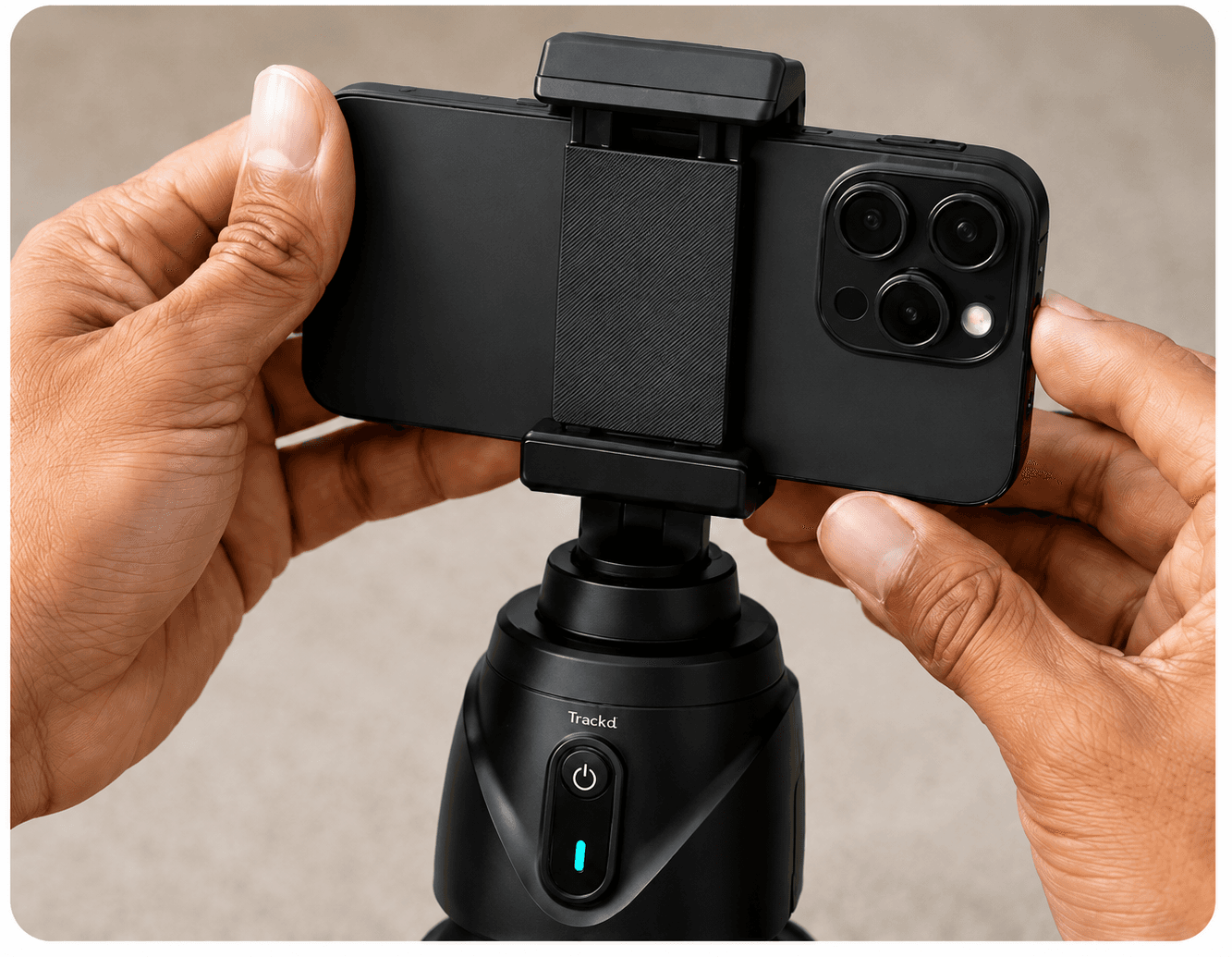
Check phone size, case clearance, mounting threads and rated load for the actual hardware you intend to combine. A phone clamp, tracking mount and tripod are separate components; a product photo showing all three does not establish what is included in a purchase.
| Problem in your test | First thing to check |
|---|---|
| Phone moves when you touch it | Support stability and clamp security |
| Presenter walks out of frame | Wider composition, movement area or person tracking |
| Voice sounds distant | Microphone position and room noise |
| Face is dark | Light direction and bright background |
| Recording stops early | Available storage, battery and session setup |
Improve sound and light deliberately
Record a voice test at the distance you will use. Listen for background noise and changes in volume when you turn your head. If you add a microphone, verify the connector or adapter and check that the actual recording app receives it. Phone compatibility alone does not prove every app uses an accessory the same way.
Try a window or an existing light before buying more lights. Face the light, check reflections on products and avoid a bright window directly behind you. A purchased light is useful when it makes the setup more consistent, not simply because it appears in a creator bundle.
Where Trackd belongs in the kit
Trackd combines its app with the Trackd Mount for hands-free filming on a compatible iPhone. Solo Lock follows one selected person with a clear camera view from a fixed position. Consult the current setup guide and live product listing for compatibility, contents and pricing.
Keep a way to record fixed detail shots as well. A presenter and a product label are different subjects: Solo Lock follows the person, not the label. Record in Trackd and export into your preferred editor or social app when you are ready to finish the video.
Run a complete test before a real session
Assemble the same kit you will use, including your phone case and any audio accessories. Record a representative clip, review its picture and sound, export it and open that file in the destination app. A successful preview is only the first step.
Pack the items that the test actually required. For repeat sessions, save your camera position and a simple checklist so you spend less time troubleshooting connections and more time making the video.
- Phone charged, lens clean and enough storage available.
- Clamp secure and support stable in the intended location.
- Voice and movement checked in a saved recording.
- Export opened successfully in the chosen editing app.
Setup instructions and related guides
- Motorised phone mount for hands-free creator filming — See Trackd Solo Lock, iPhone requirements and Australian buying options.
- Tripod, tracking mount or gimbal?
- Light your phone videos
- Solo Lock instructions
- Export a recording
Frequently asked questions
Does every creator need a gimbal?
No. A stable fixed shot may suit the video better. Consider a handheld gimbal for moving-camera footage and a tracking mount for a presenter moving in front of a stationary camera.
Can I use a tripod I already own with Trackd?
Check the mount connection, support requirements and rated load against the current product and setup guidance. Do not assume every tripod or phone clamp is compatible.
See how Trackd fits your filming setup
Explore one-person Solo Lock filming, compatible iPhones and the Trackd Mount. Check the setup requirements before choosing your equipment.