
Trackd vs OBSBOT Me
Two auto-tracking phone mounts. Compare the movement, recording apps and setup for filming yourself.
By Trackd Team2 min read
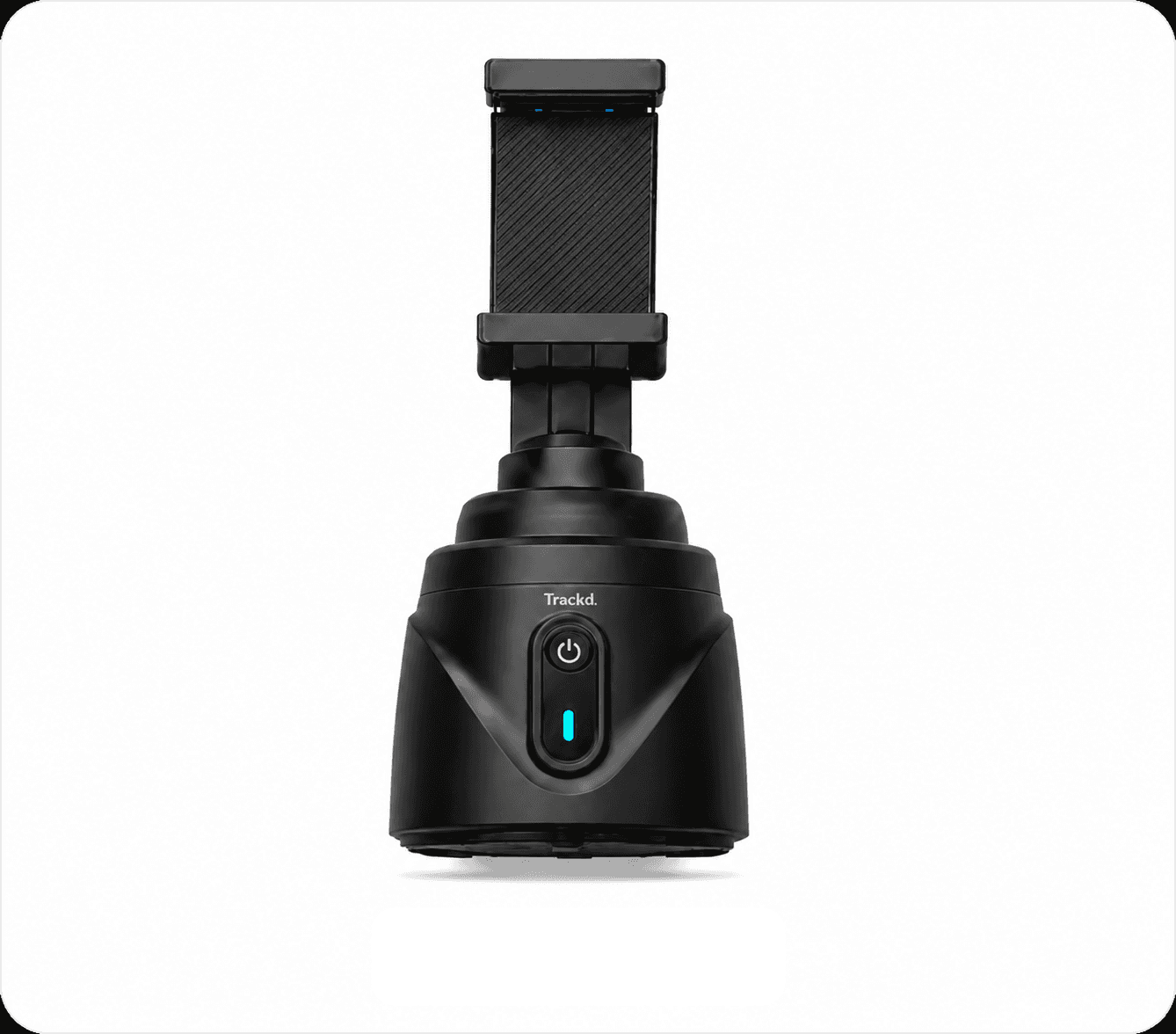
Trackd
iPhone mount + Trackd app
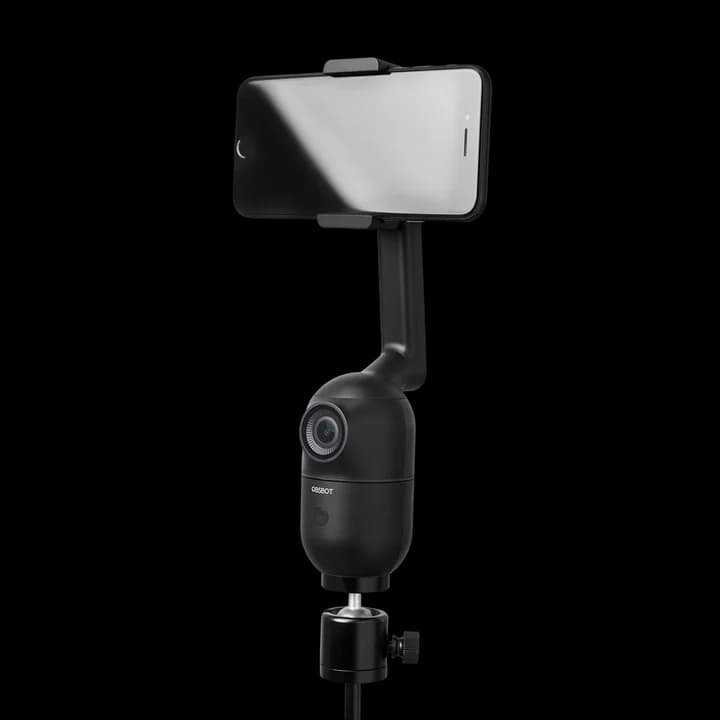
OBSBOT Me
App-independent phone mount
The key difference. Trackd adds motorised pan and tilt to your iPhone. Me follows horizontally and lets you keep your preferred recording app.
Compare at a glance
| What matters | Trackd | OBSBOT Me |
|---|---|---|
| Camera | Your iPhone | Your phone |
| Movement | 360° pan + powered tilt | ±150° pan; no powered tilt |
| Record in | Trackd app → export | Your chosen camera app |
| Tracking | One person with Solo Lock | Human tracking on the mount |
| Connection | Bluetooth to the Trackd app | No phone pairing needed |
| Phone fit | iPhone 12+ · iOS 17.6+ | Check clamp fit and camera app |
Published specs checked 23 September 2026. By Trackd; no hands-on performance test. OBSBOT product photo: OBSBOT. Sources: Trackd specs · Solo Lock · Export · Me specs & photo · Me FAQ.
Choose Trackd if…
You film on iPhone, want pan and tilt, and edit your takes before posting.
Consider OBSBOT Me if…
You need to record in another camera or social app, and horizontal following is enough.
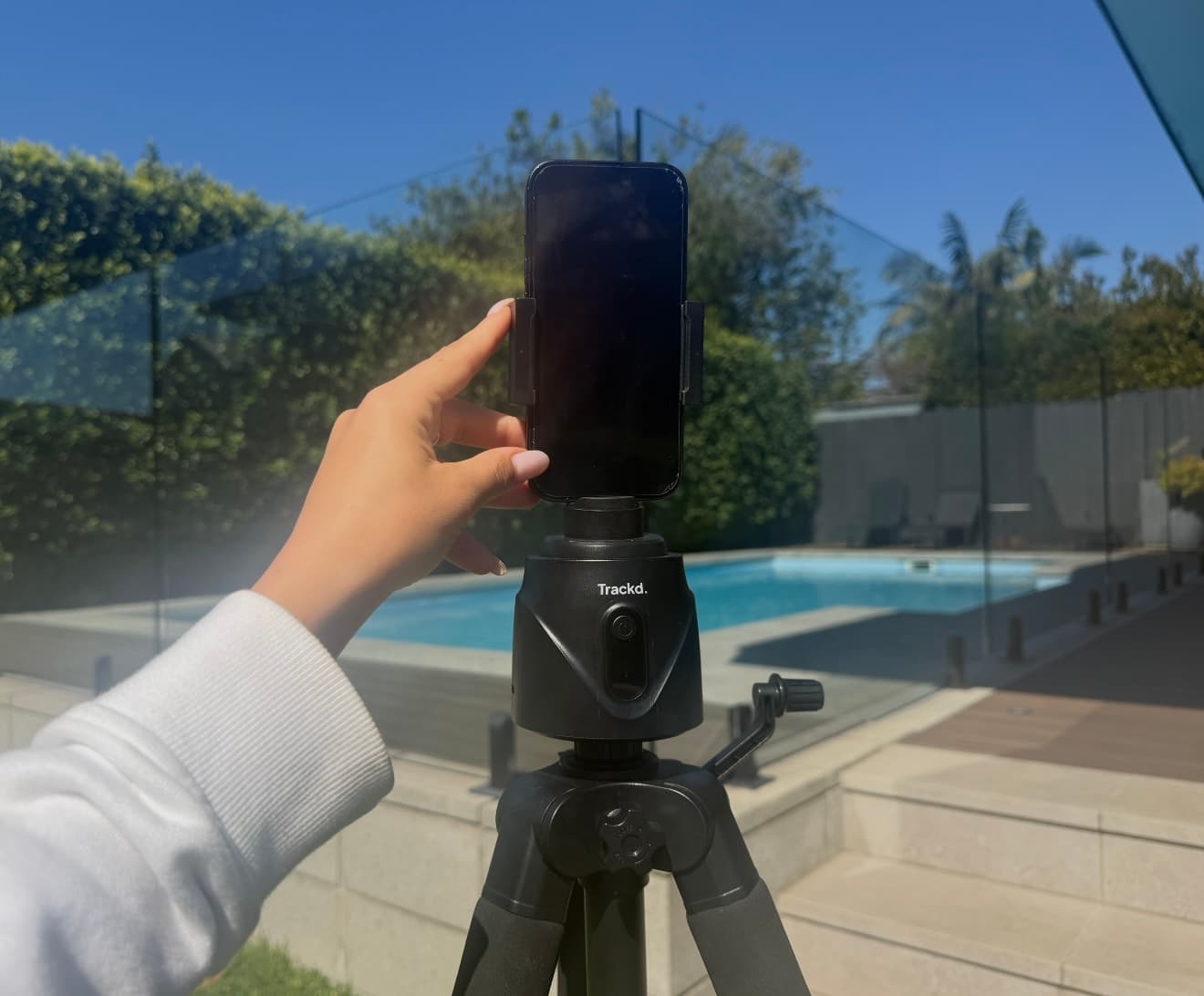
Your Trackd workflow
From setup to your next post.
1. Mount
Pair your iPhone in Trackd.
2. Record
Select yourself in Solo Lock.
3. Create
Export, edit and post.
Quick questions
Can Trackd follow me inside TikTok or Instagram?
Record with tracking in Trackd, then export to TikTok, Instagram or your editor. Tracking does not run inside those other apps.
Does either mount replace my phone’s camera?
No. Your phone records the video with both mounts. OBSBOT Me’s built-in camera handles tracking, not your recording.
Make your iPhone follow you.
Meet your solo filming setup.
Tracking and recording are included in the free Trackd app. No subscription required.