
Trackd vs OBSBOT Tail Air
An iPhone tracking mount or a dedicated camera? Compare the two setups for creator videos and streaming.
By Trackd Team2 min read
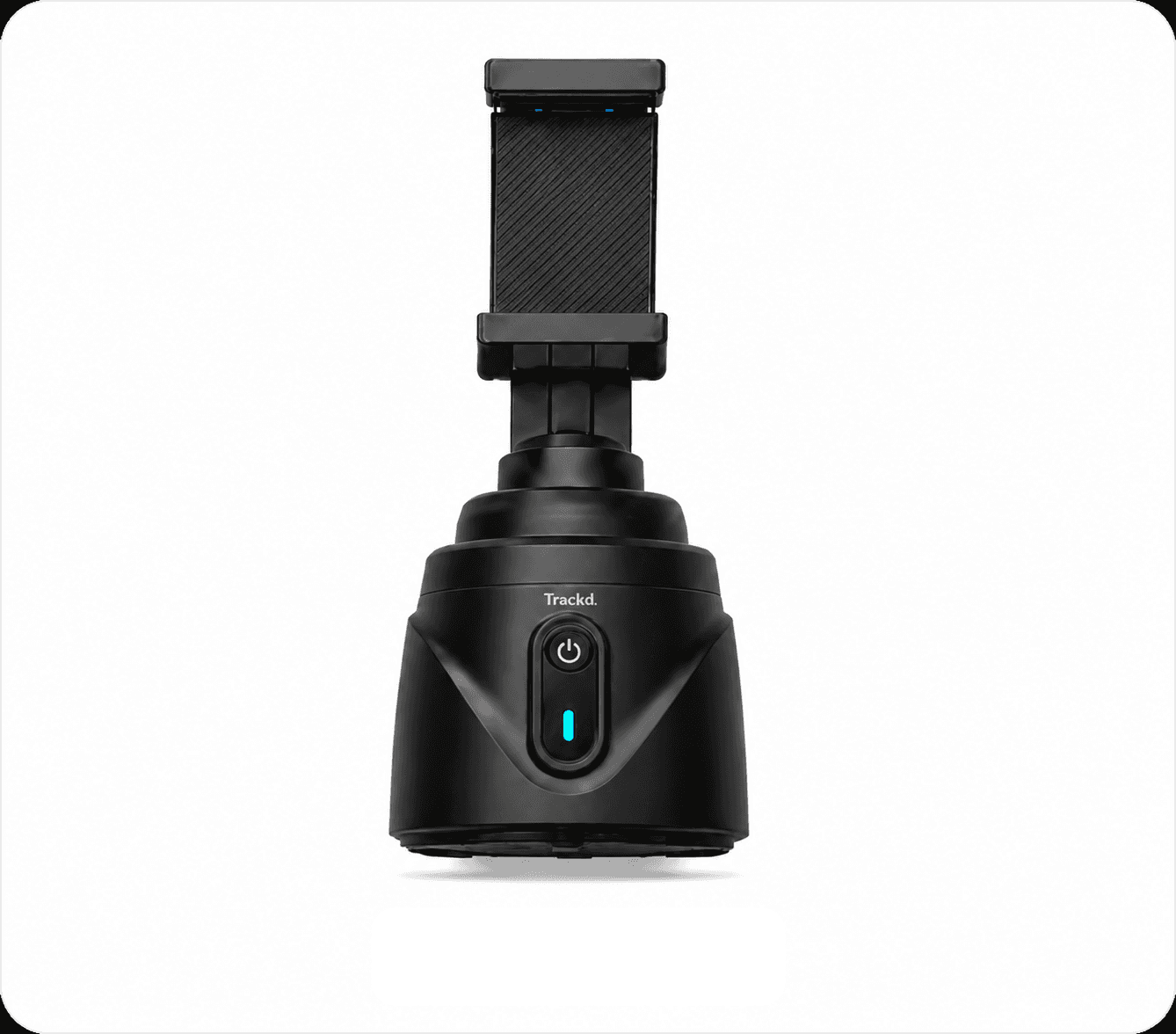
Trackd
iPhone mount + Trackd app
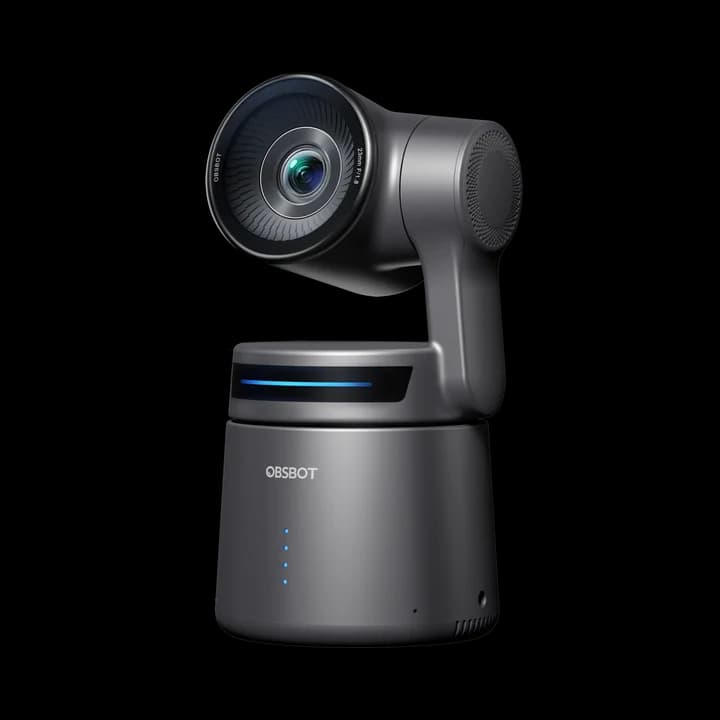
OBSBOT Tail Air
Dedicated streaming camera
The key difference. Trackd turns your iPhone into a camera that follows you. Tail Air has its own camera, with connections for a streaming or studio setup.
Compare at a glance
| What matters | Trackd | OBSBOT Tail Air |
|---|---|---|
| Camera | Your iPhone | Built-in 4K camera |
| Capture | Record in Trackd → export | microSD recording + streaming |
| Tracking | One person with Solo Lock | People, animals or objects |
| Connections | Bluetooth mount control | Micro HDMI, USB-C, network |
| You’ll need | Mount + iPhone 12+ / iOS 17.6+ | Camera + storage / setup accessories |
| Workflow fit | Film, edit and post on iPhone | Separate camera for recording or live video |
Published specs checked 23 September 2026. By Trackd; no hands-on performance test. OBSBOT product photo: OBSBOT. Sources: Trackd specs · Solo Lock · Export · Tail Air specs & photo · Tail Air FAQ.
Choose Trackd if…
You already have a supported iPhone and want to film tutorials, workouts or solo content.
Consider OBSBOT Tail Air if…
You need a separate camera for streaming, a webcam feed or dedicated video outputs.
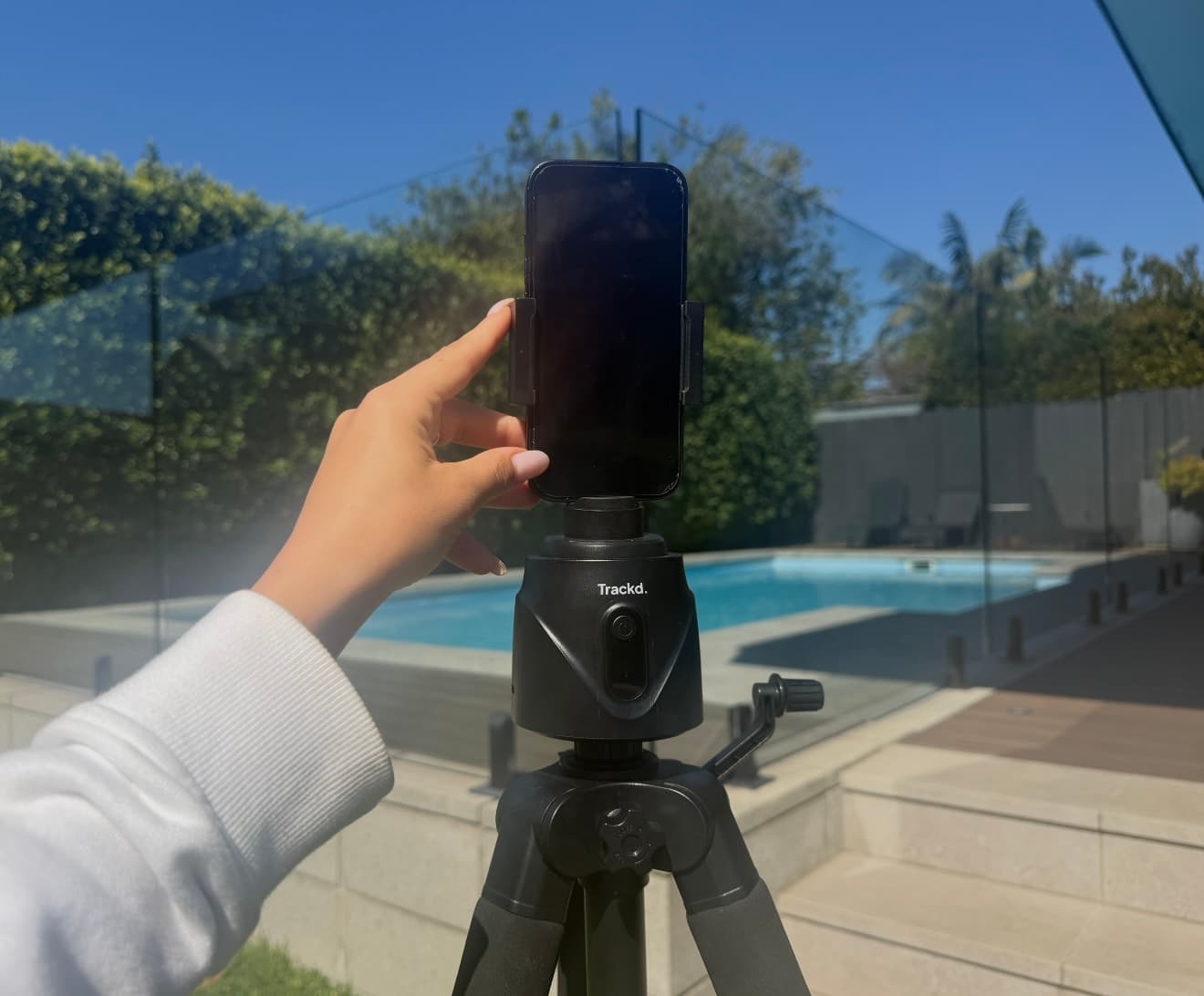
Your Trackd workflow
From setup to your next post.
1. Mount
Pair your iPhone in Trackd.
2. Record
Select yourself in Solo Lock.
3. Create
Export, edit and post.
Quick questions
Is Tail Air a phone mount?
No. Tail Air records with its own camera. Trackd holds and moves your iPhone. For a phone-mount comparison, see Trackd vs OBSBOT Me.
Does Trackd require a subscription?
No. Tracking and recording are included in the free Trackd iPhone app. Record there, then export to your editor or social app.
Make your iPhone follow you.
Meet your solo filming setup.
Compare the complete kit: phone or camera, support, storage and accessories. Tail Air’s NDI licence and Ethernet adapter depend on your chosen bundle.