Emma K. · Perth · Tennis
FREE SHIPPING AUS WIDE
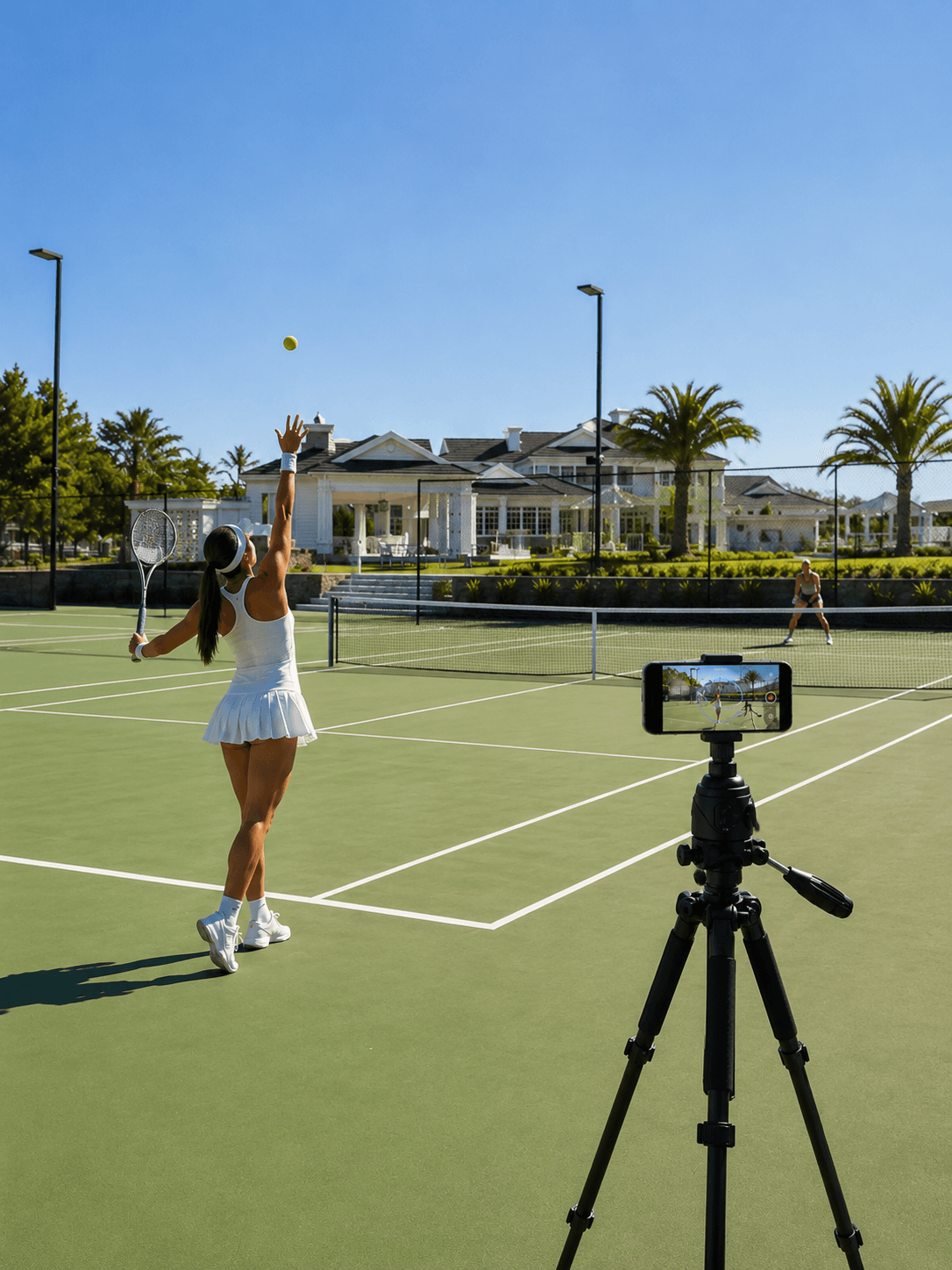
“I used to rely on my coach to film my serves. Now Trackd does it automatically - every session, every angle, completely hands-free. My technique has improved more in two months than the entire year before.”
Isabelle M. · Gold Coast · Tennis
Gemma H. · Sydney · Cooking Hands-Free
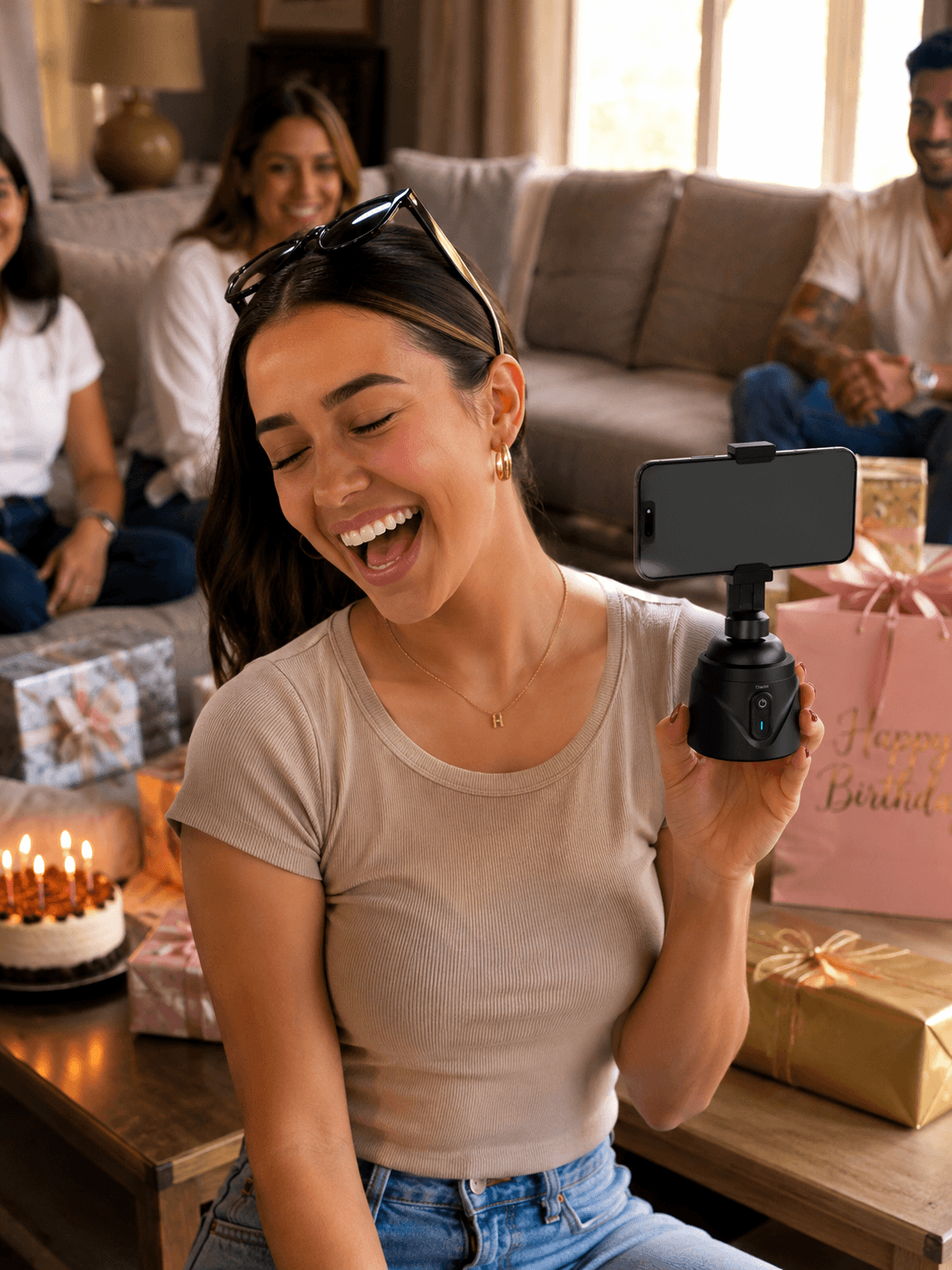
“I got this as a birthday gift and couldn't recommend it enough for any filmer. So far, I've used it for netball, tennis, for UGC content capture, and everything in between. The tracking is insane. Best gift I've received in a long time.”
Hannah R. · Sydney · Content Creator
Lucy W. · Brisbane · Tennis
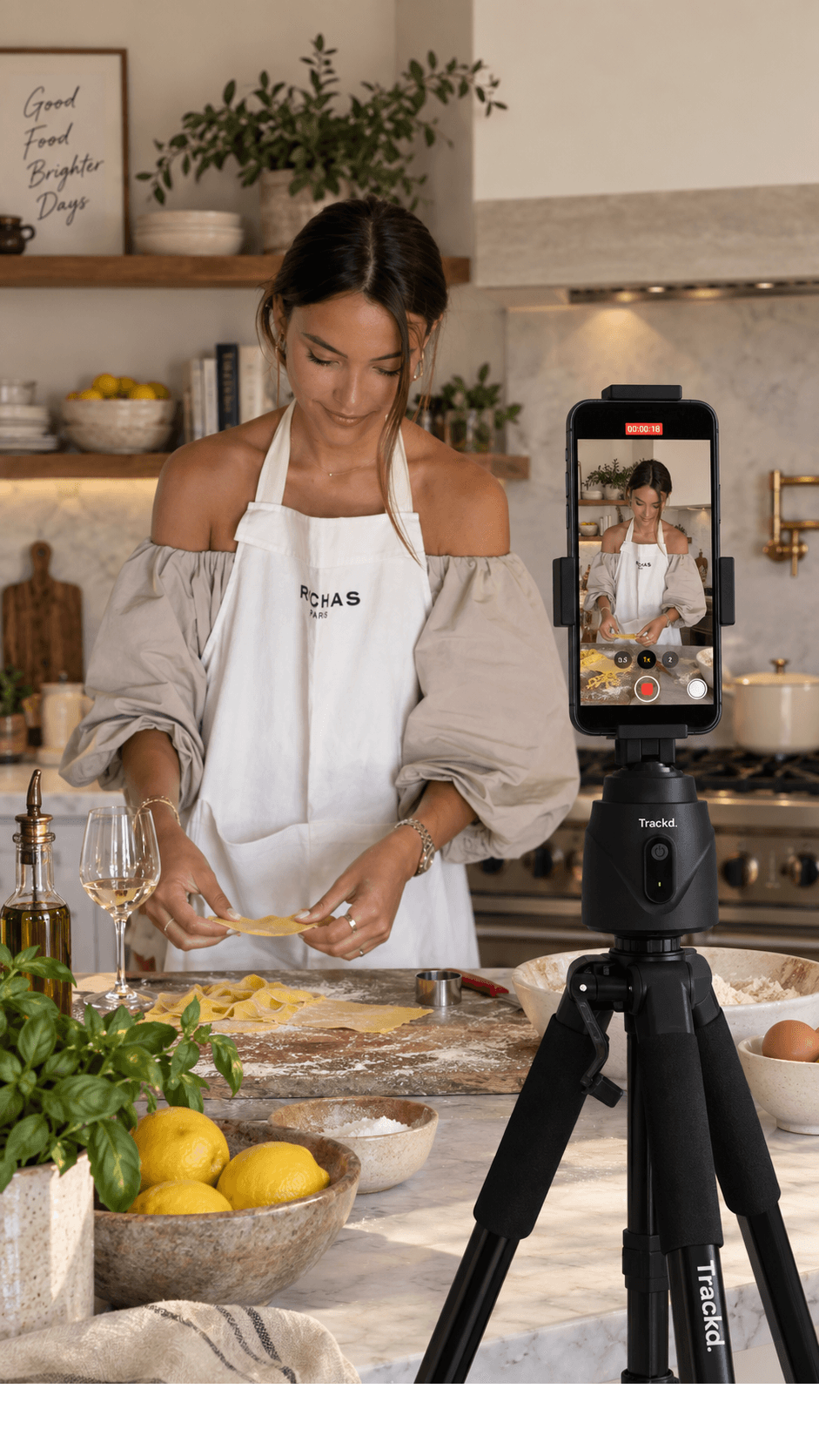
Sophie L. · Brisbane · Cooking
Joseph T. · Melbourne · Bikeriding
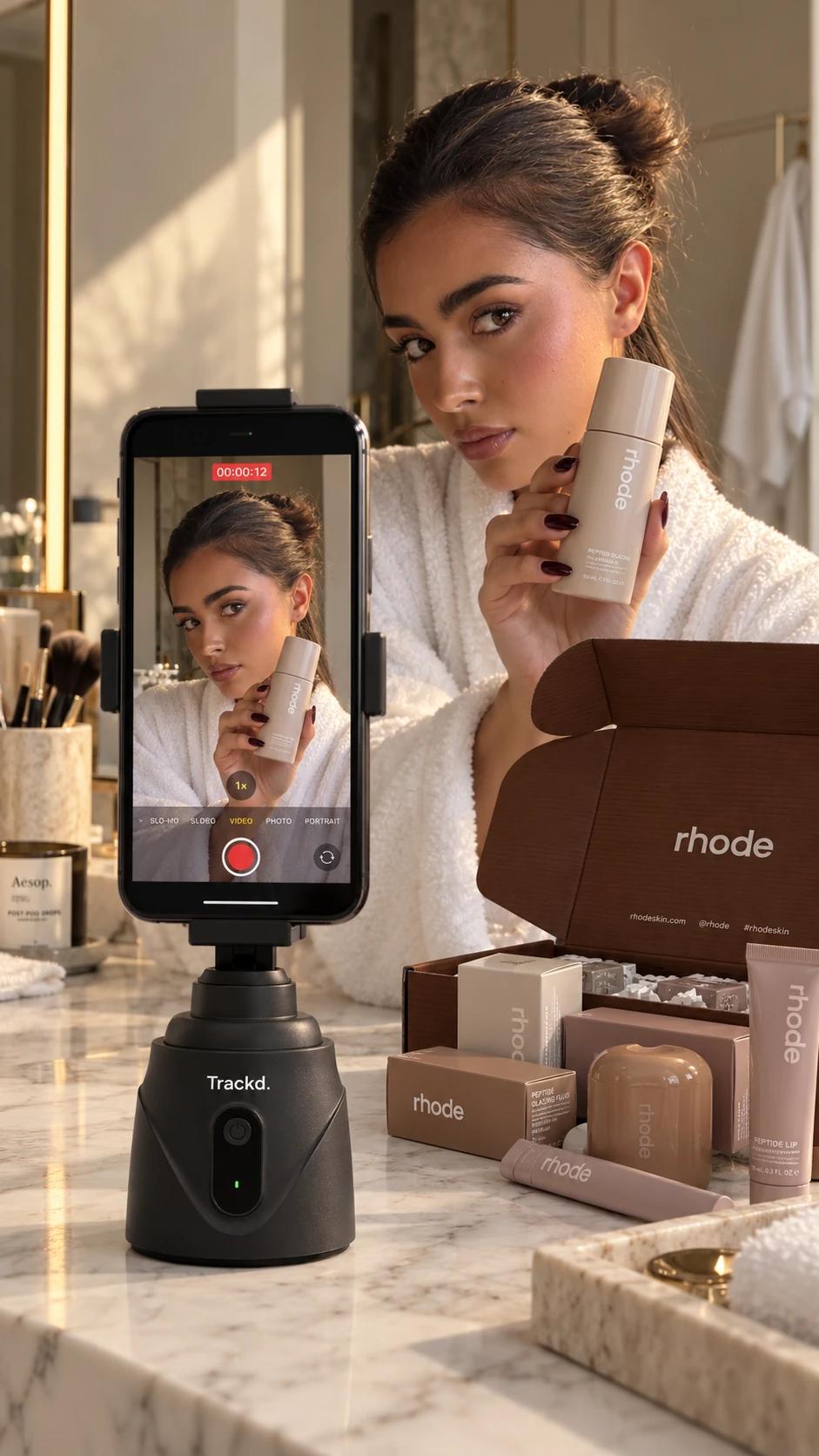
Olivia C. · Melbourne · Beauty
Jordan L. · Adelaide · Basketball
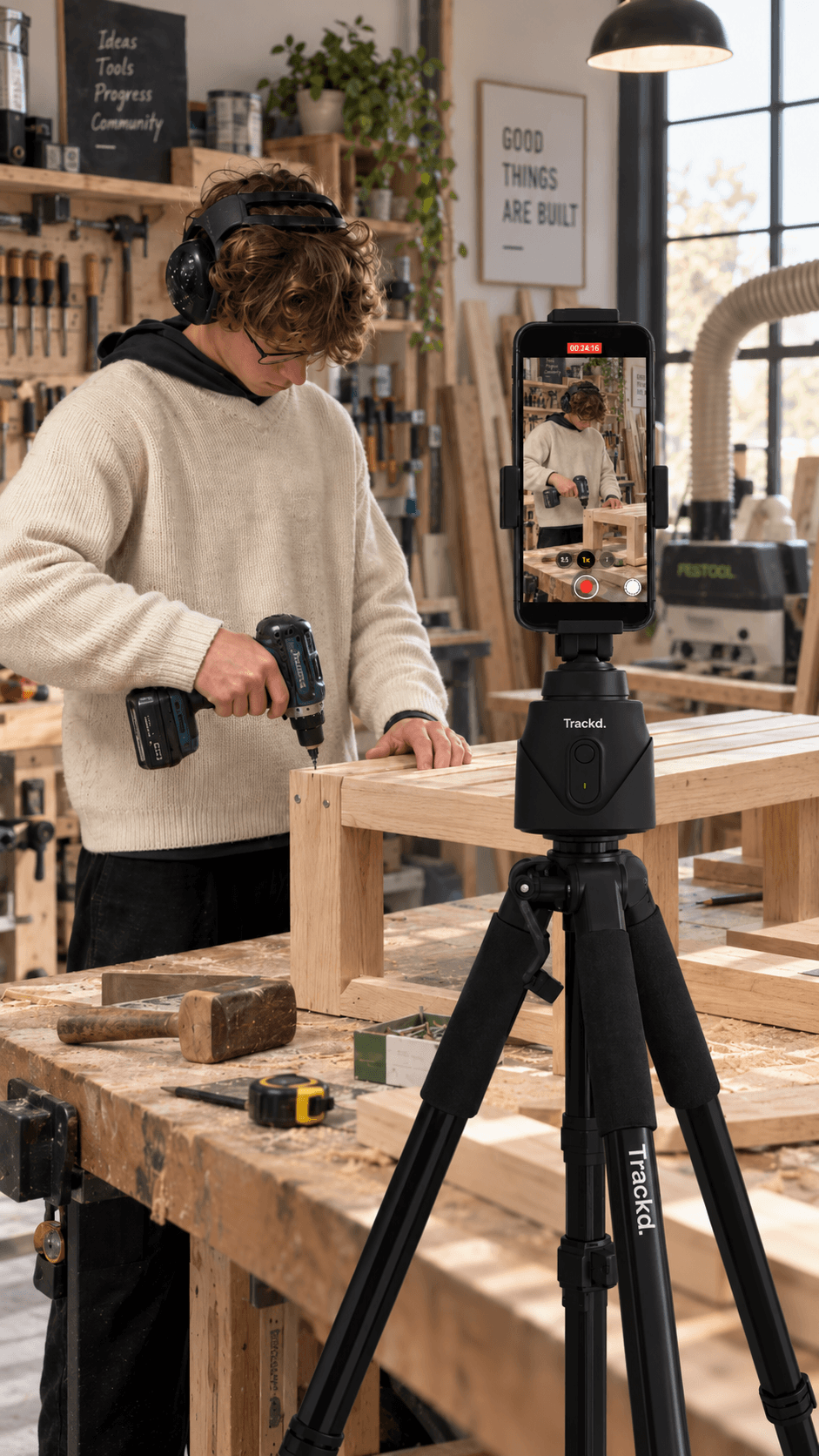
Alex P. · Sydney · YouTube
Emma K. · Perth · Tennis
“I used to rely on my coach to film my serves. Now Trackd does it automatically - every session, every angle, completely hands-free. My technique has improved more in two months than the entire year before.”
Isabelle M. · Gold Coast · Tennis
Gemma H. · Sydney · Cooking Hands-Free
“I got this as a birthday gift and couldn't recommend it enough for any filmer. So far, I've used it for netball, tennis, for UGC content capture, and everything in between. The tracking is insane. Best gift I've received in a long time.”
Hannah R. · Sydney · Content Creator
Lucy W. · Brisbane · Tennis
Sophie L. · Brisbane · Cooking
Joseph T. · Melbourne · Bikeriding
Olivia C. · Melbourne · Beauty
Jordan L. · Adelaide · Basketball
Alex P. · Sydney · YouTube
AI camera tracker for creators
Your own camera operator.
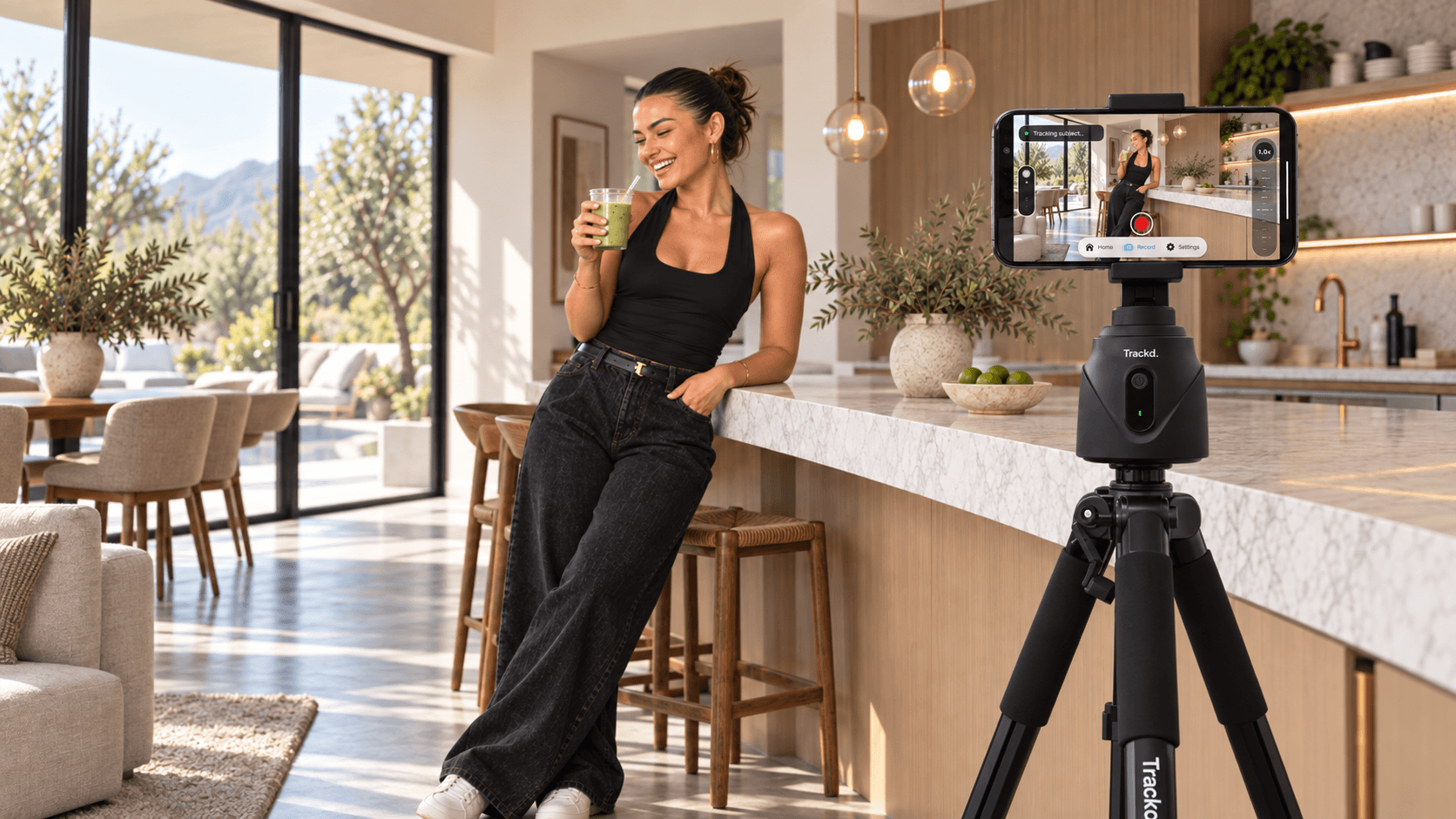
Trackd is an auto-tracking camera mount that turns and tilts your iPhone to follow one person while you record in the free Trackd app. Film cooking videos, tutorials and demonstrations from a stable tabletop or tripod, with no subscription required for tracking and recording.
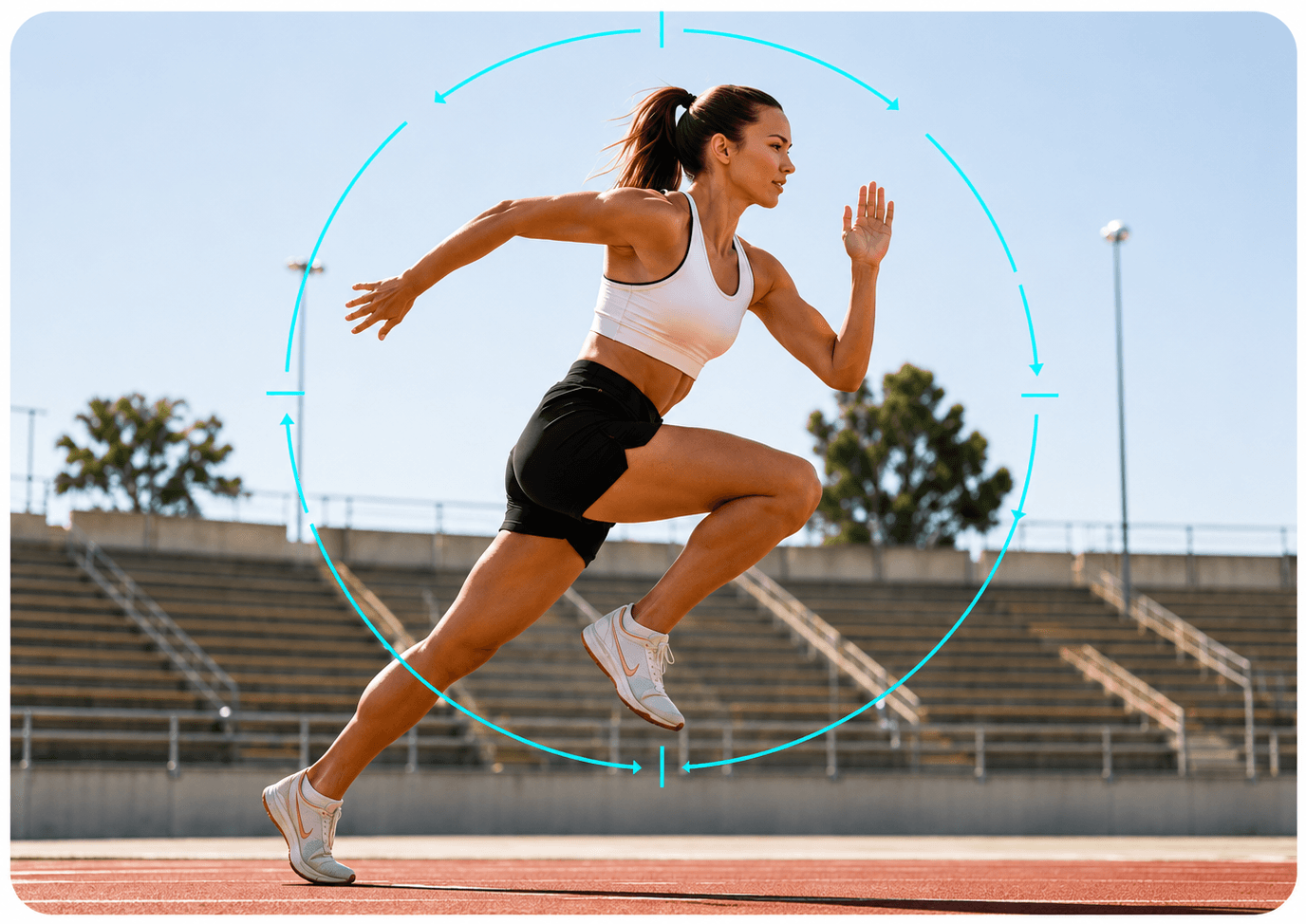
Solo Lock tracking
Follow one person as they move.
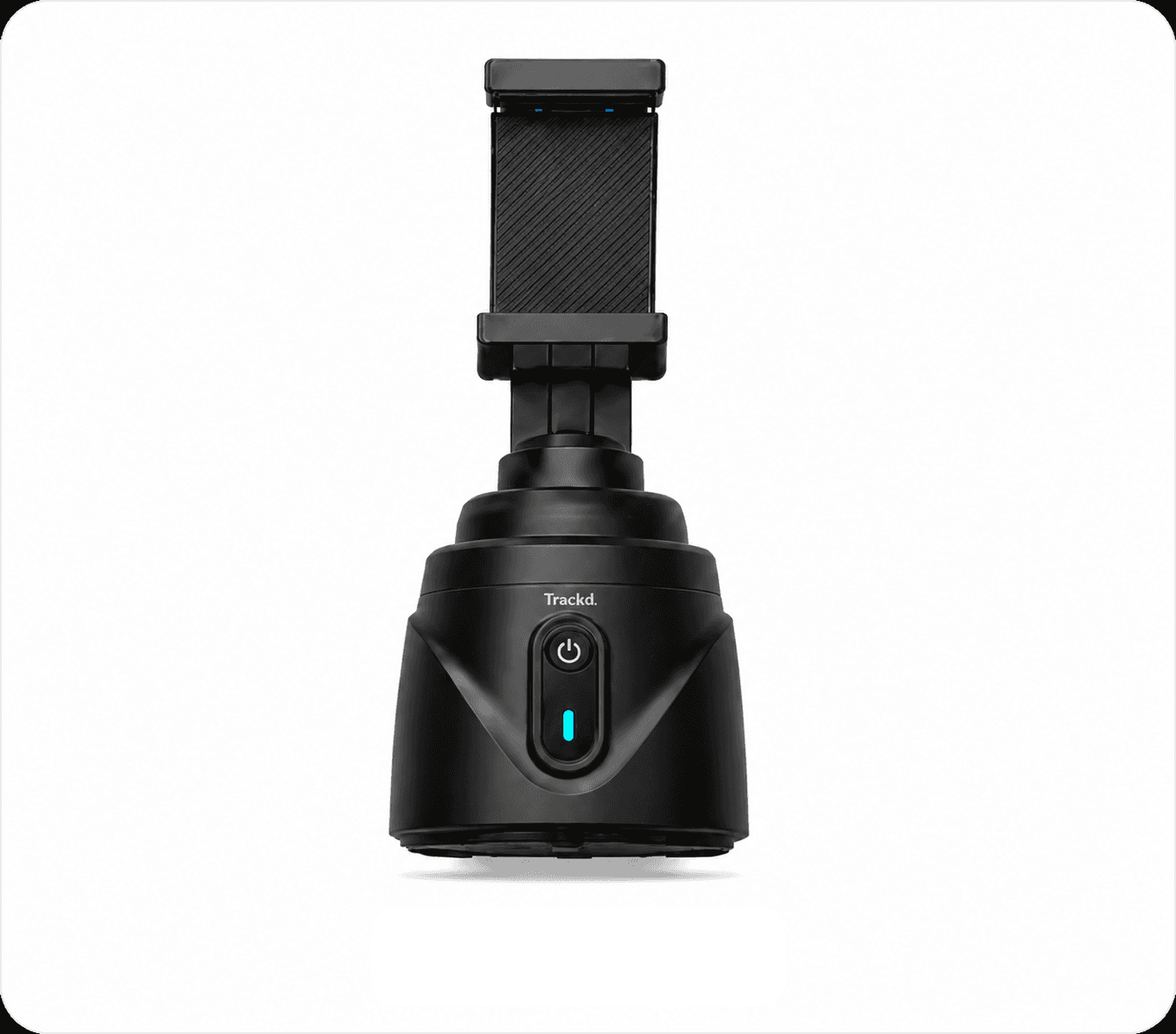
No subscription
Your mount. A free app. Keep creating.
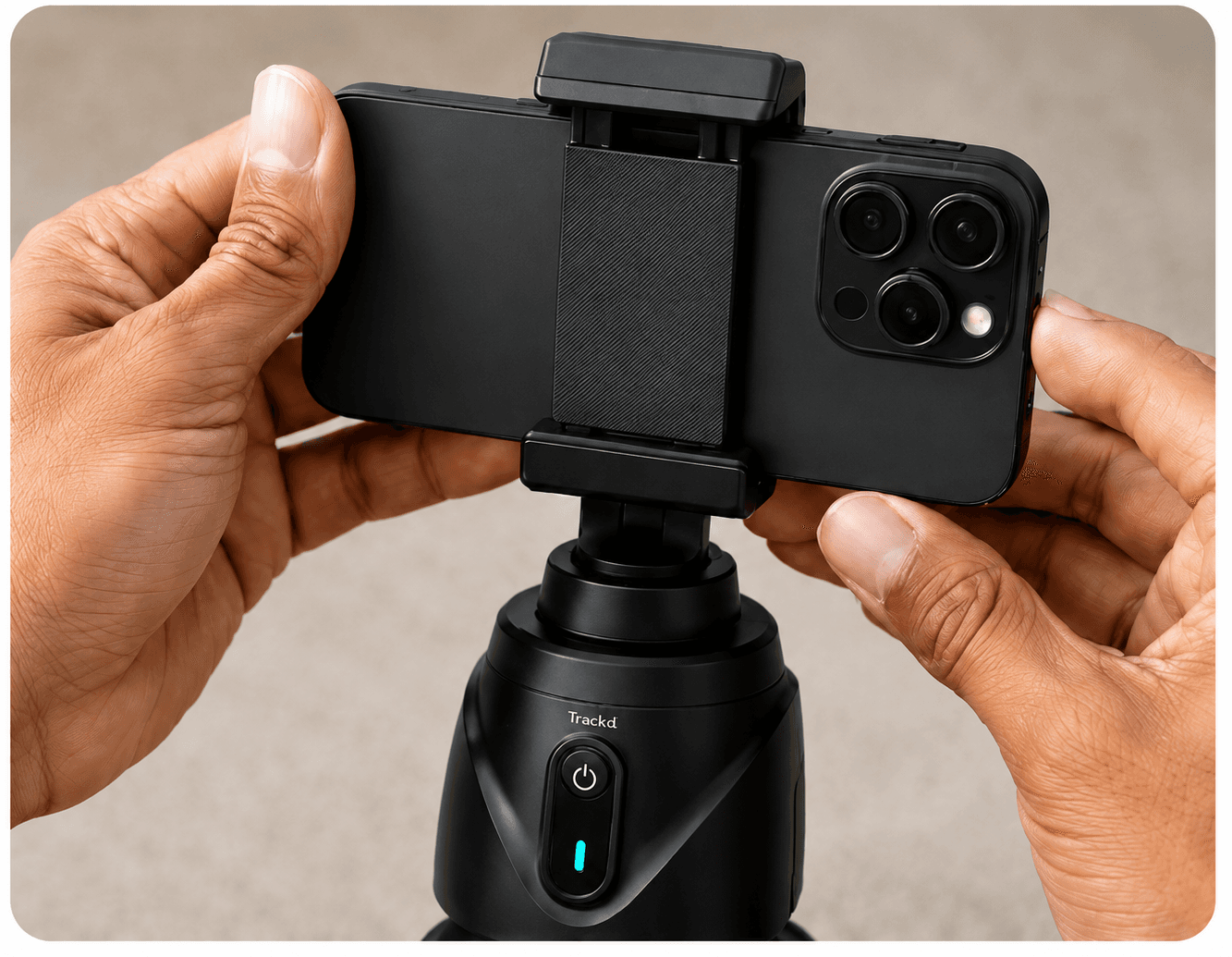
Mount. Connect. Create.
Use the iPhone you already have.
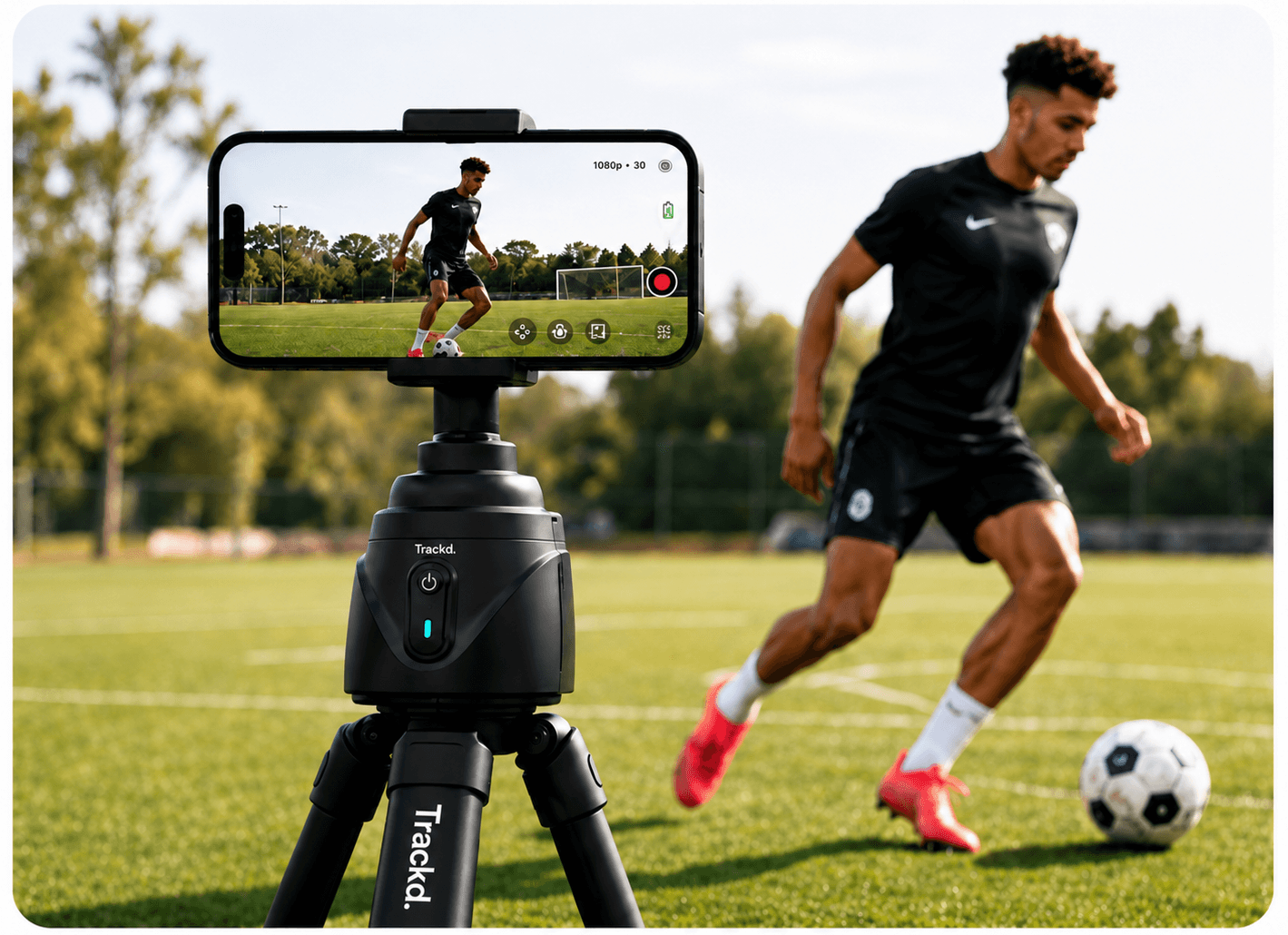
Made for filming yourself
Choose Solo Lock in the Trackd app.
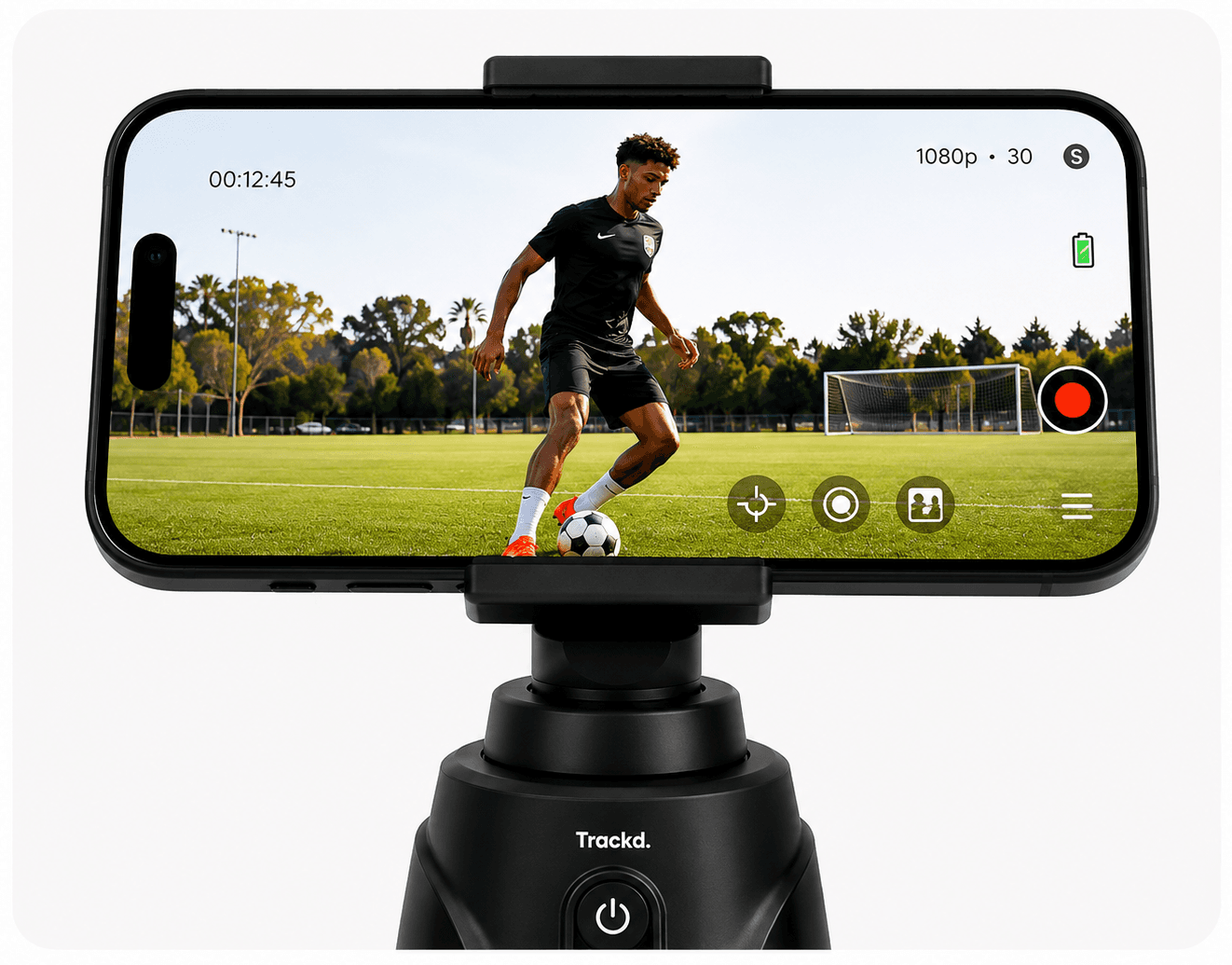
Record in the Trackd app
Capture, replay and choose your take.
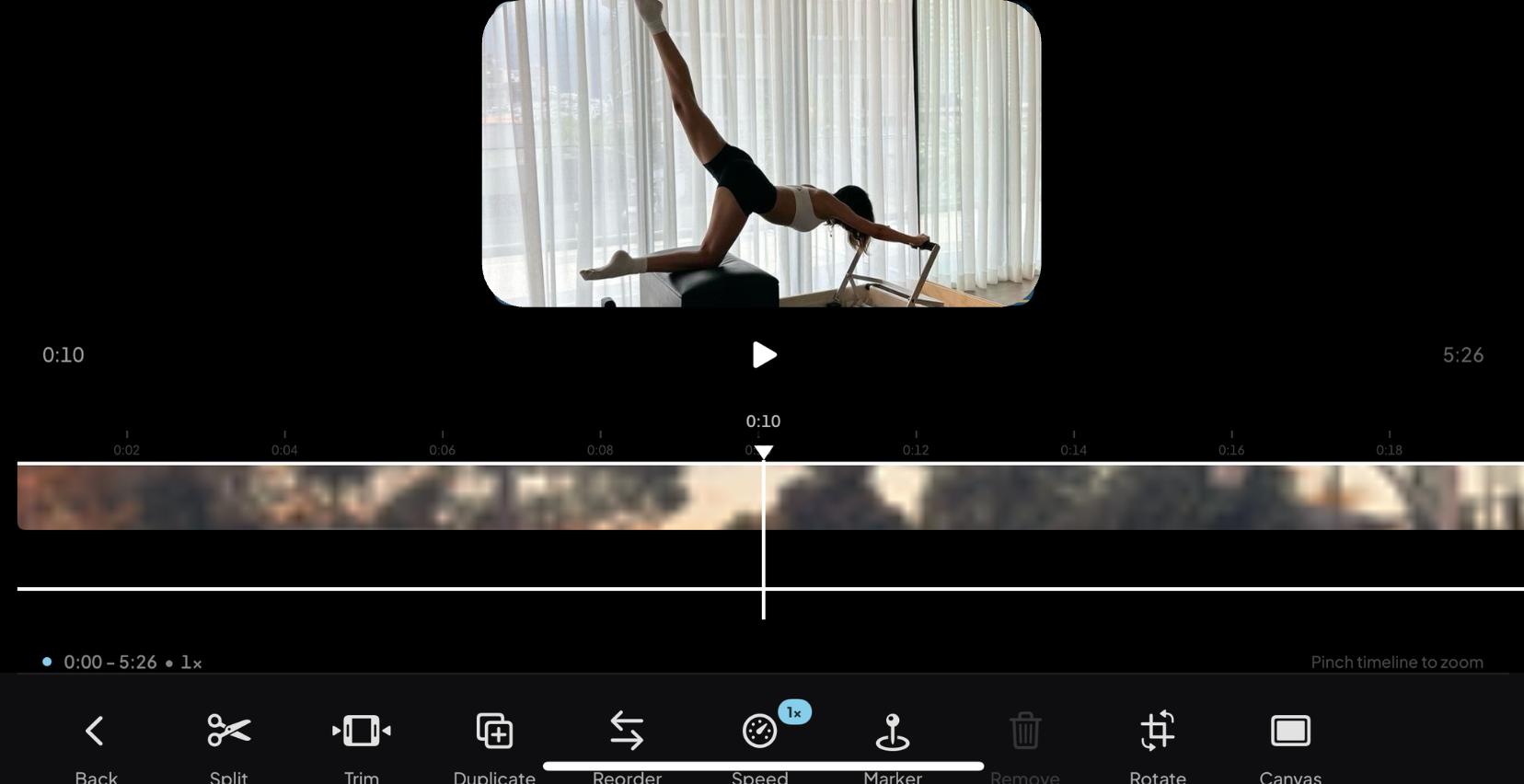
Export. Edit. Share.
Finish your video in the apps you love.

Your filming starts in Trackd.
Free Download — No Subscription Required
Requires iPhone 12 or later · iOS 17.6+
Choose Solo Lock to follow one person
Start hands-free with Raise Both Palms
Record and replay your takes in Trackd
Trim clips and export your video
Finish and post in your preferred editing or social app
Mount your phone.
Secure your iPhone in the mount and connect it in the Trackd app.
Solo Lock.
Raise both palms for a hands-free start, or double-tap yourself on screen. Trackd locks onto you.
Start creating.
Get cooking, show your process or tell your story while Trackd follows you.
Before your first take.
Can I try Trackd and return it if it is not right for me?
Yes. Our 30-day money-back guarantee lets you unpack and reasonably test Trackd. Email trackd@trackdsport.com within 30 days of delivery, then send it within 14 days of receiving return instructions. Return the complete product and accessories in the original packaging, without customer-caused damage. For change of mind, choose a Trackd prepaid label deducted at actual cost from your refund, or arrange your own tracked return postage. Estimated labels are A$15 for a mount or A$25 for a bundle, depending on the parcel and location. We refund the product price paid with no restocking fee or deduction for original free standard shipping; separately purchased Express or special-delivery charges are not refunded after dispatch. Refunds are issued within 5–10 business days after receipt and inspection. Your rights for faulty products are separate and are not limited to 30 days.
What is an AI camera tracker for creators?
An AI camera tracker uses visual subject detection to keep a person in frame. With a motorised phone mount such as Trackd, your iPhone is the recording camera and the mount physically turns and tilts it. Solo Lock follows one selected person from a fixed position; it does not move around the room or track the product you are holding.
What do I need to get started?
A Trackd Mount, an iPhone 12 or newer running iOS 17.6 or later, and the free Trackd app. Place the mount on a stable tabletop, or use a compatible tripod for more height and framing options. A tripod is optional; the Complete Kit includes one. An iPhone is not included. Android support is not available yet.
Can Trackd follow me while I record?
Solo Lock follows one selected person. The mount turns and tilts your iPhone from a fixed position while the Trackd app records. Give the camera a clear view of you and do a short test of the movement you plan to film before the full take.
Will it follow my food, hands or the product I’m holding?
Solo Lock is designed to follow a person. Frame yourself and the work surface together for a cooking video or demonstration, and record separate close-ups when you need to focus on a dish, your hands or a small product.
Can I move between rooms while it films?
The mount stays where you place it and needs to see you. Walls, furniture, other people and poor lighting can interrupt tracking. Film within one clear space, then reposition the mount for a different room or angle.
Can I record directly in Instagram or TikTok?
Use the Trackd app for tracking and recording. Export your finished take to Photos or Files, then open it in your preferred editor, Instagram, TikTok or another app to finish and post it. Tracking is not provided inside those other apps.
Do I need a subscription?
No subscription is required to use the Trackd Mount and app for tracking and recording. Your phone supplies the camera, storage and microphone.
Have another question? Visit the Help Center or email Trackd.
Keep Up With Trackd
Filming ideas, app updates and new ways to create with Trackd. Join the list for what’s next, including news on Android support.