
Decide whether the video is for review or presentation
For practice review, a steady view of the whole sequence makes it easier to compare movement from one take to another. For a presentation clip, closer framing may suit a particular moment, but it can also hide footwork. Choose the purpose before deciding how tightly to frame.
Record a full-body reference take first. You can add separate detail shots later if the final edit needs them. A close-up is much easier to plan once you know which part of the sequence deserves attention.
Rehearse the edges of the frame
Walk through every direction the routine travels. Check the highest hand position, the widest arm extension and the lowest floor position. Include space above a jump and below the feet. The starting pose is rarely the largest shape in the routine.
Place the support outside the movement area and keep bags and cables clear. Use a clear background where practical. If a mirror appears in the shot, review whether reflections make the movement or the selected tracking subject confusing.
- Check the furthest left and right positions.
- Check raised arms and any travelling jumps.
- Check seated or floor sections without changing the camera.
- Review a saved clip rather than relying only on the live preview.
Choose a fixed view or one-person tracking
A fixed wide view is useful when you want a stable reference for the entire routine. It also avoids the composition changing while you assess movement. If the dancer stays within that view, automatic tracking may not add much.
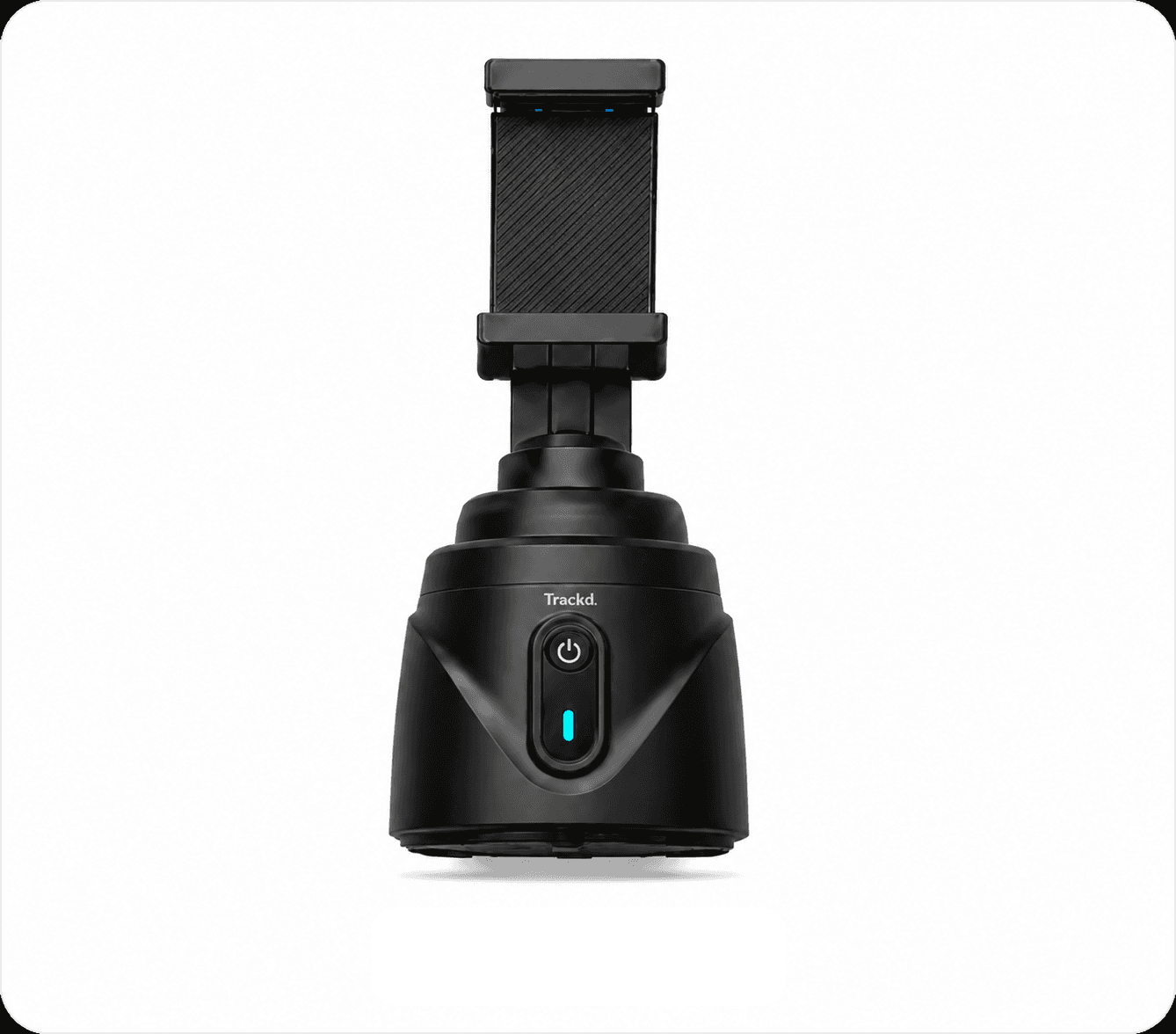
Trackd Solo Lock can follow one selected person from a fixed mount position. It requires a clear view; another person passing in front, a move behind furniture or a crowded rehearsal area can interrupt that view. Rehearse turns and level changes with your actual setup instead of assuming every move will stay framed.
Record a test with the sound you need
If timing matters, review the picture and sound together before recording a full series of takes. Keep the playback source and recording position consistent so the test resembles the real session.
Start the sequence only after you have confirmed recording. With Trackd, follow the chosen Solo Lock start method and check the recording timer. Stop and review the first complete take before changing the angle or repeating the routine.
Edit without hiding the movement
For a practice reference, keep enough continuous footage to see how one movement leads to the next. For a short performance edit, choose cuts deliberately and check that the crop still includes the feet and hands that matter.
Export the recording and review the version you intend to post on a phone. Captions, interface overlays and a tighter crop can cover or remove movement even when the original recording looked clear. Preserve the full take if you will want to review it later.
Setup instructions and related guides
- Motorised phone mount for hands-free creator filming — See Trackd Solo Lock, iPhone requirements and Australian buying options.
- Film yourself with an iPhone
- Light your phone videos
- Tripod, tracking mount or gimbal?
- Solo Lock instructions
Frequently asked questions
Does Trackd automatically film a whole dance group?
Solo Lock follows one selected person. Do not assume it will keep an entire group in frame; use a suitable fixed wide view when whole-group coverage is required.
Should the phone be portrait or landscape for dance?
Choose the format for the intended video, then test the full movement in that frame. A travelling routine may need a wider composition than a stationary presentation.
See how Trackd fits your filming setup
Explore one-person Solo Lock filming, compatible iPhones and the Trackd Mount. Check the setup requirements before choosing your equipment.