
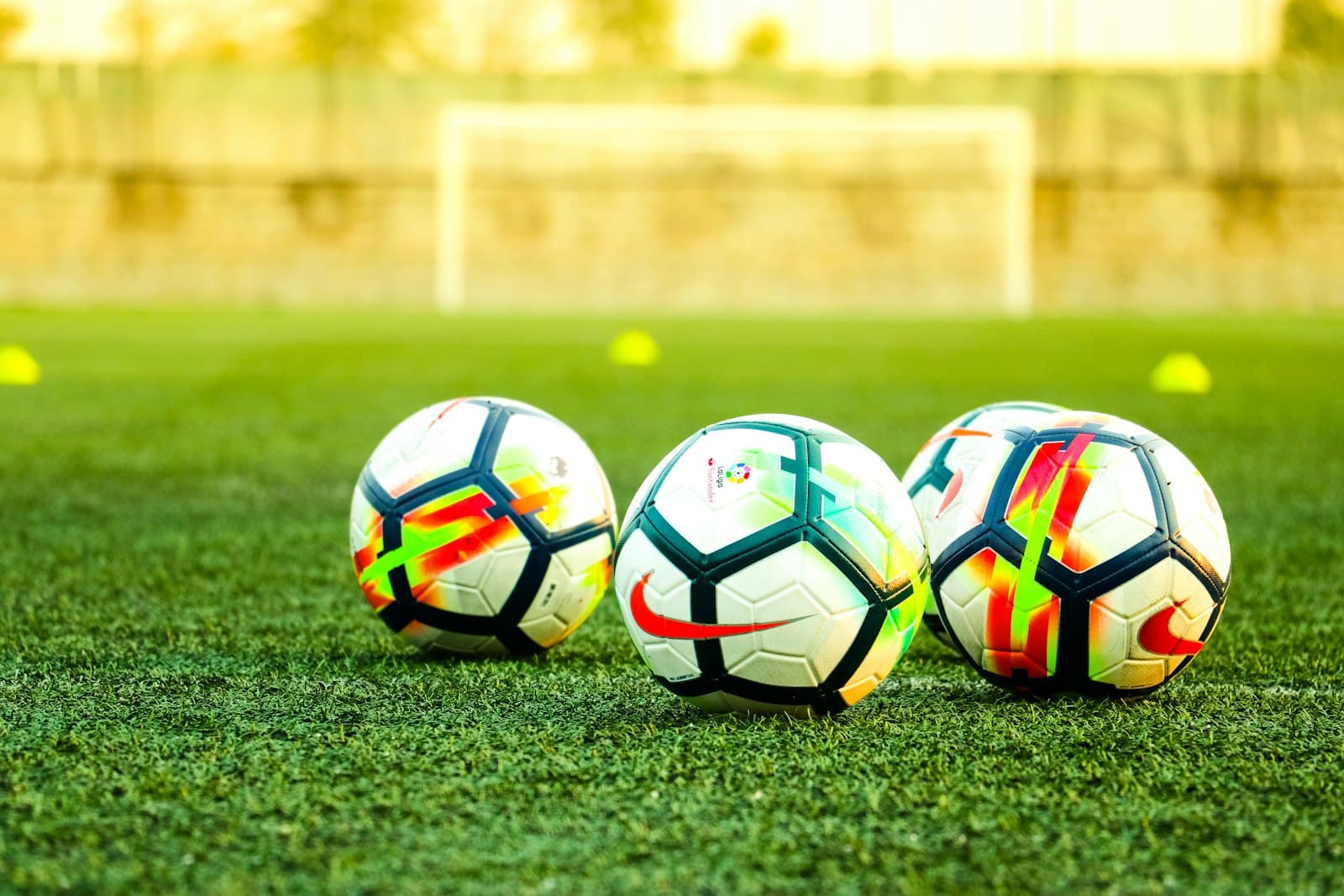
Most grassroots footage is bad for the same handful of reasons: the camera is too low, the angle is wrong, the operator is reacting instead of anticipating, or no one checked the basics before kickoff. Trackd handles the operator side, but the physical setup is still on you. Get these five things right and your footage will look noticeably more like a broadcast.
1. Get the height right
Eye-level footage flattens the game. You want a slightly elevated angle so you can see between players and read shape. Aim for 3 to 4 metres off the ground if you can find a platform or a tall enough tripod. If you're stuck at ground level, get as far back from the touchline as the venue allows — distance partially compensates for low height.
2. Pick the right sideline corner
Set up at the halfway line, on the side opposite the team benches. The halfway line gives the tracking system the most symmetric view of play, and filming away from the benches keeps coaches, subs, and water bottles out of frame. If the sun is low, take the side that puts it behind the camera — backlit footage looks washed out and breaks ball detection in the worst moments.
3. Run a two-minute preflight
Before kickoff, run through a short checklist. Most bad-footage stories trace back to a step on this list being skipped.
- Mount level — use the in-app horizon indicator, not your eyeballs
- Framing preset — pick the right sport and field size
- Storage — confirm you have at least 8 GB free for a full match
- Battery — phone above 60%, mount above 50%
- Lens — wipe it; a single fingerprint can wreck low-light shots
4. Match your framing preset to the moment
Wide is the safe default, but it's not the right default for everything. Use the wider preset for warmups and set pieces — you want context. Switch to your tighter preset once the game settles in. If you're filming for tactical review rather than highlights, stay slightly wider than your instinct says; you'll thank yourself when you're trying to read off-ball movement two weeks later.
5. Review with purpose
Filming the match is only half the job. Schedule a 15-minute review window the day after — not three weeks later — and pull two or three clips you want to talk about with players. Short, specific clips beat full-match replays every time. The auto-highlights in v2.0 of the app will give you a starting point in about a minute.