
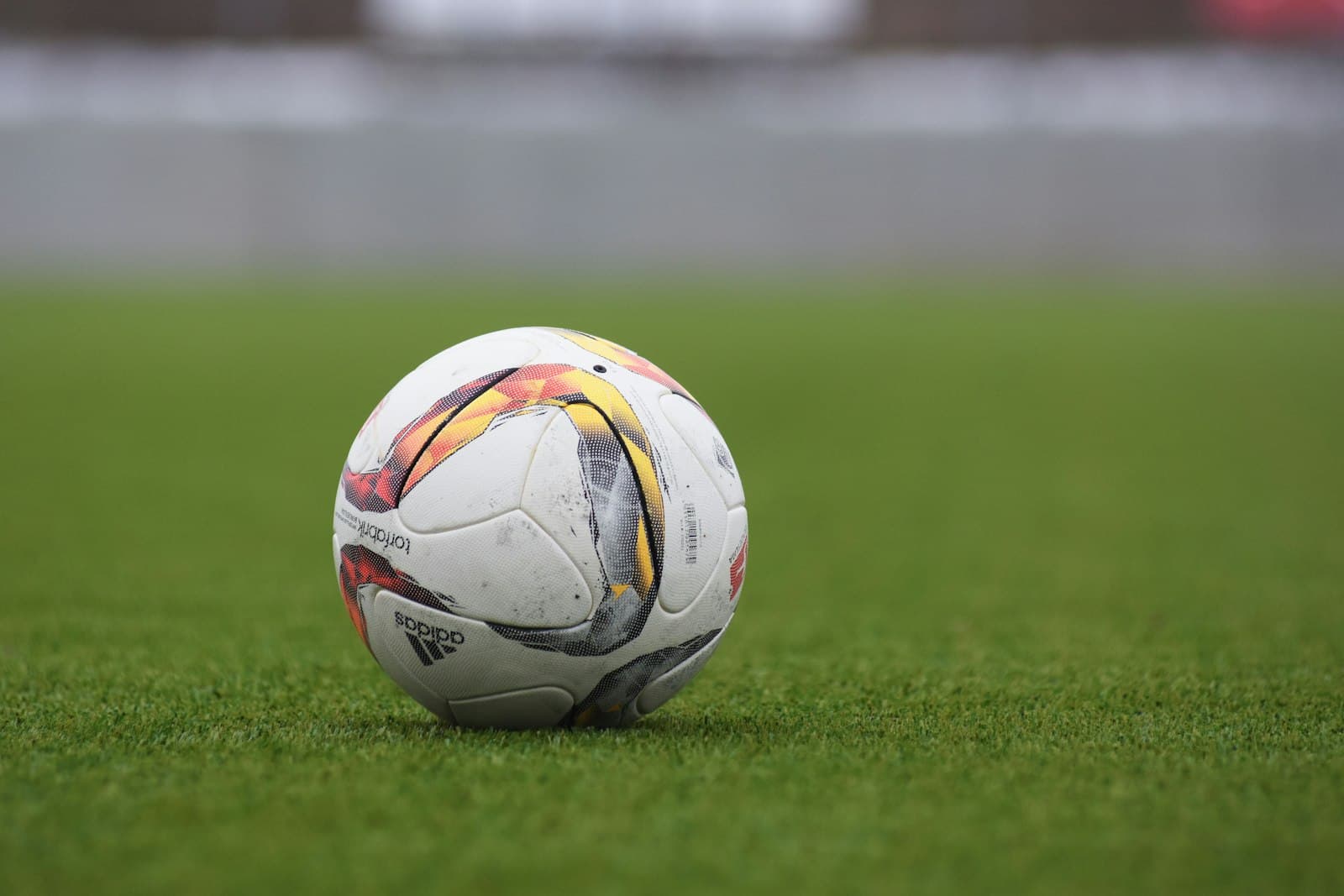
Search any soccer-parent forum for AI tracking cameras and the same complaint comes up. Parents buy a phone-mount gimbal, prop it on the sideline, and find out at half-time that the camera spent the first 45 minutes locked onto the referee, or the assistant coach, or — in one widely shared post — a stray Labrador. The ball is the one thing that mattered, and it's the one thing the camera never actually tracked.
Why most 'AI tracking' cameras don't track the ball
When you read 'AI tracking' on a product page, the AI is almost always doing one specific thing — detecting and following a person. Human pose detection has been a solved problem in computer vision for years. There are massive open datasets of human bodies, decades of academic work on skeleton tracking, and you can run a perfectly good person-detector on a phone CPU in real time. Lock the frame onto whichever person the user picks, and you have a follow-me gimbal.
Detecting a ball is a different job entirely. A soccer ball at sideline distance is a few dozen pixels across, moving fast, often partially hidden behind legs or kit, and changing shape every few frames as it spins. The dataset for 'ball at distance, mid-flight, in grassroots lighting' barely exists in public computer-vision research — every team that builds a ball-tracking system ends up collecting their own footage and training their own model on it.
So when a product says 'AI tracking,' the safe bet is that it tracks people. Which is fine if you're filming yourself in a kitchen, less fine if you're trying to film your kid's match from the halfway line.
Person tracking vs ball tracking — what each one actually does
It's worth being precise about what 'AI tracking' actually means inside each product, because the marketing language collapses two genuinely different computer-vision jobs into one phrase.
| Person tracking | Ball tracking | |
|---|---|---|
| Primary subject | One person you select on a touchscreen | The ball, with the field context around it |
| Detection model | Mature human-pose and body-detection models, often off-the-shelf | Bespoke small-object detection trained on sport-specific footage |
| Best for | Solo training, fitness, dance, equestrian, solo content creation | Match footage, tactical review, highlight reels for team sports |
| Breaks when… | Multiple people enter the frame or the subject is partially hidden | Heavy occlusion, low light, ball colour blends into surface |
| Typical products | Pivo Pod, DJI Osmo Mobile, Insta360 Flow | Trackd, XbotGo Chameleon, Veo, Trace (cloud-based) |
What makes ball tracking hard
Even purpose-built ball-tracking systems run into the same handful of conditions that wreck detection accuracy:
- Small target — a soccer ball at 30 metres is genuinely tiny in frame
- Occlusion — the ball spends a lot of any game hidden behind a player
- Speed — a struck ball can travel faster than the model's detection rate, leaving gaps to interpolate
- Lighting — backlit afternoon games, low-angle winter sun, and floodlit night games each break detection in different ways
- Colour and contrast — white ball on snow, black-and-white ball against striped kits, orange winter ball against autumn grass: all degrade detection
A good ball-tracking system has to handle all of these without giving up and reverting to 'follow the nearest person.' That's the bar.
How Trackd is designed for ball tracking
Trackd's detection model is built around the ball as the primary subject, not the player. The v2.0 release in March trained the model on roughly four times more grassroots match footage than v1, with a deliberate emphasis on the conditions that used to cause drift — low-light evening games, mixed-colour kits, crowded midfields, and transition play where the ball moves from one half to the other in a few seconds.
The framing logic is ball-first too. Smart Zoom tightens the frame around the ball during settled phases of play and pulls back the instant a counter starts — so off-ball runs stay in frame when they matter, and you still get a tighter, more cinematic look the rest of the time.
None of this makes Trackd 'the only camera that can track a ball' — that would be an overclaim. XbotGo Chameleon's team-sport mode and the upper-tier subscription team cameras (Veo, Trace) also track the ball in their own ways. What Trackd is designed for is a specific slice: youth match footage, filmed from the sideline by a parent or coach, with no subscription, on a phone they already own.
Ball tracking vs player tracking — when each one wins
Both tracking modes have a legitimate use. The trick is matching the camera to the job.
- Solo skills training — player tracking wins. You want the camera locked on the kid running through cones, not the ball that just rolled off.
- Pre-match warmup or drill review — player tracking is usually better. The focus is the individual.
- Full match, tactical review — ball tracking wins. You want the field shape around the ball, not a tight crop on one player who's off the ball most of the time.
- Highlight reels — ball tracking wins. The interesting moments centre on the ball; player tracking will miss half of them.
- 1v1 small-sided training — either works, slight edge to player tracking if you're filming a specific player's session.
If your main use case is matches, you want ball tracking. If it's solo content or skills work, you want player tracking. If it's both, you want a camera that can switch — Trackd lets you pick the framing mode per session.
How to test a ball-tracking camera in 10 minutes
Most product demos and YouTube reviews are filmed in ideal conditions — bright midday sun, the camera tester's own kid, a single ball, no crowd. That's not the test. If you can run a real 10-minute test on a real game, you'll learn more than an hour of marketing video. Here's the protocol.
- Set up at the halfway line, opposite the team benches, at the height the manufacturer recommends (3–4 metres if you have it).
- Pick a kit-colour combination that's NOT ideal — at least one team in a kit close to the ball or surface colour. White ball on white kits on a sunny day is a torture test for any detection model.
- Film a full 5-minute block during open play. Don't pause when the ball goes out — let the camera handle restarts and goal kicks.
- Then film 5 minutes through a transition-heavy spell — counter-attacks, goal-kicks, anything where the ball travels 30+ metres in a few seconds.
- Watch back the full 10 minutes without skipping. Count how many times the ball leaves the frame for more than 2 seconds. Under 5 in 10 minutes is excellent; under 10 is acceptable; over 15 means the model isn't reliable enough for your use case.
If a product can survive that test, it'll handle most of what you film for the rest of the season. If it fails, you've learned that in 10 minutes rather than after 8 weeks of bad footage.
Trackd is built for that benchmark. It's in stock and shipping now from A$229 with free standard shipping across Australia.
Frequently asked questions
Does any phone-mount camera reliably track a ball at long range?
At long range (50+ metres), all current consumer ball-tracking systems work harder. A good system will still hold lock most of the time, but you'll see more drift than at typical sideline distance. For senior 11-a-side matches with the camera on the halfway line, ball tracking on a phone-mount system is generally reliable. For very long sight-lines like a full AFL oval, dedicated team-camera systems with multi-lens setups will outperform any phone-mount product.
What's the difference between ball tracking and 'auto-zoom'?
Auto-zoom is a framing decision the camera makes based on where the subject is. Ball tracking is the detection step that finds the subject in the first place. A camera can do one without the other — a person-tracking gimbal will auto-zoom in on a person, but it isn't tracking the ball. A good ball-tracking system does both: detect the ball, then frame appropriately around it.
Will the camera follow specific players, or just the ball?
Most ball-tracking systems frame around the ball, not individual players. Some systems offer a 'player tracking' mode for solo content, and a couple (XbotGo's basketball mode notably) can lock onto a player by jersey number. Trackd's primary mode is ball tracking; a separate player-tracking mode is available for solo skills sessions.
Does the ball colour or kit colour matter?
It can. White or fluorescent balls in low-contrast conditions (white ball on snow, fluorescent ball at twilight) are the hardest cases for any current detection model. Training data for most ball-tracking systems is biased toward standard-colour balls (white-and-black soccer balls, orange basketballs) in normal daylight. If you film mostly in those conditions, current systems work well. Edge cases remain edge cases.
Can I use a ball-tracking camera for solo training?
Yes, but it's the wrong tool. Solo training where there's no team context and the ball is mostly stationary or in 1v1 with the camera operator is what person-tracking gimbals (Pivo, DJI Osmo) are built for. A ball-tracking camera will work for solo use, but you'll get better solo-training footage from a dedicated person-tracking gimbal.
Do I need internet access during the match?
For Trackd specifically: no. All detection and tracking runs on-device. Internet is only needed for cloud-side highlight sharing if you choose to use it, and even that happens after the match. This is one of the practical advantages of a no-subscription ball-tracking system — your suburban football oval doesn't need cell coverage for the camera to work.